zFont3 for Android
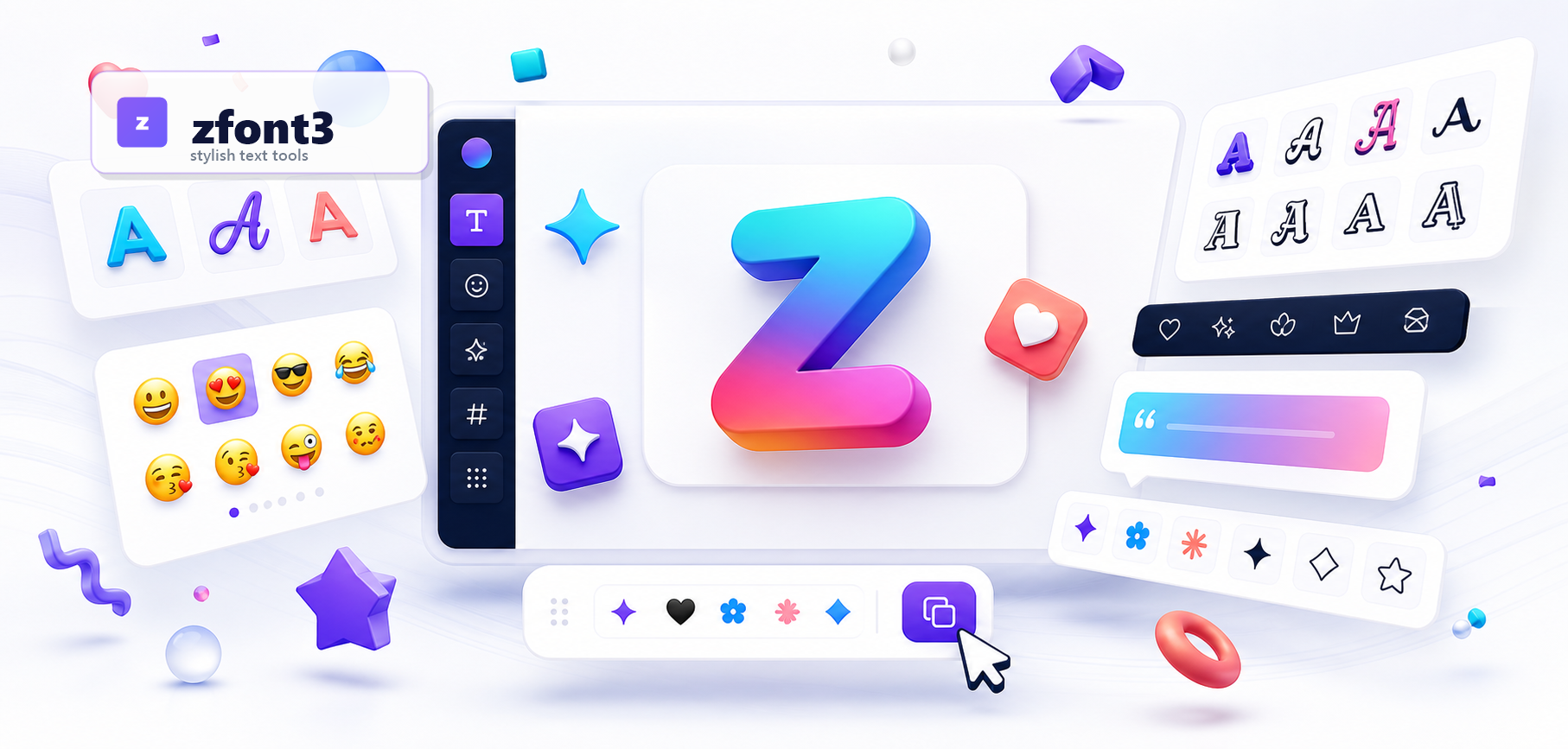
Open zfont3.com in Chrome or another modern Android browser to create copy-and-paste text for profiles, posts, messages, and captions.
Free zFont3 tools for Android, iPhone, and desktop
Use zFont3 in any modern browser to create stylish Unicode text, fancy fonts, emojis, symbols, text art, captions, and other copy-ready content. It works online on Android phones, iPhone, iPad, and desktop without login or app installation.
zFont3 is mobile-friendly and runs directly in your browser. Type or paste your text, choose a font, emoji, symbol, or decoration, then copy the result into supported apps and websites.
Open zfont3.com in Chrome or another modern Android browser to create copy-and-paste text for profiles, posts, messages, and captions.
Use the same online tools in Safari on iPhone or iPad, then copy your styled Unicode text, emojis, and symbols into compatible apps.
The website does not replace your phone's system font. It creates Unicode text and copy-ready content online, so no APK or app installation is required.
zfont3 focuses on fast, accessible, copy-and-paste text creation. Instead of installing apps or editing software, users can open zfont3 in the browser, generate a style, copy the result, and use it across Instagram, TikTok, Discord, X, WhatsApp, websites, bios, posts, messages, and design drafts.
zfont3 converts plain writing into creative text formats, decorative symbols, emoji combinations, ASCII-style art, and optimized social captions.
The brand serves creators, profile owners, community managers, writers, and everyday users who want clean, quick text tools.
Every core zfont3 tool is free, quick to load, mobile-friendly, and designed around simple copy-and-paste workflows.
The main zfont3 services remain available from the home page so users can move from brand discovery to the exact text, emoji, symbol, or caption tool they need.

Generate stylish Unicode fonts for Instagram, TikTok, Discord, bios, names, and posts.
Try Now
Find, copy, and paste emojis quickly from the zfont3 online emoji keyboard.
Try Now
Copy funny Lenny faces and text expressions for chats, comments, and profiles.
Try Now
Use cute kawaii faces and kaomoji for bios, messages, captions, and community posts.
Try Now
Browse classic text emoticons for moods, reactions, and simple expressive messages.
Try Now
Create text art, ASCII-style pictures, decorative layouts, and symbol-based designs.
Try Now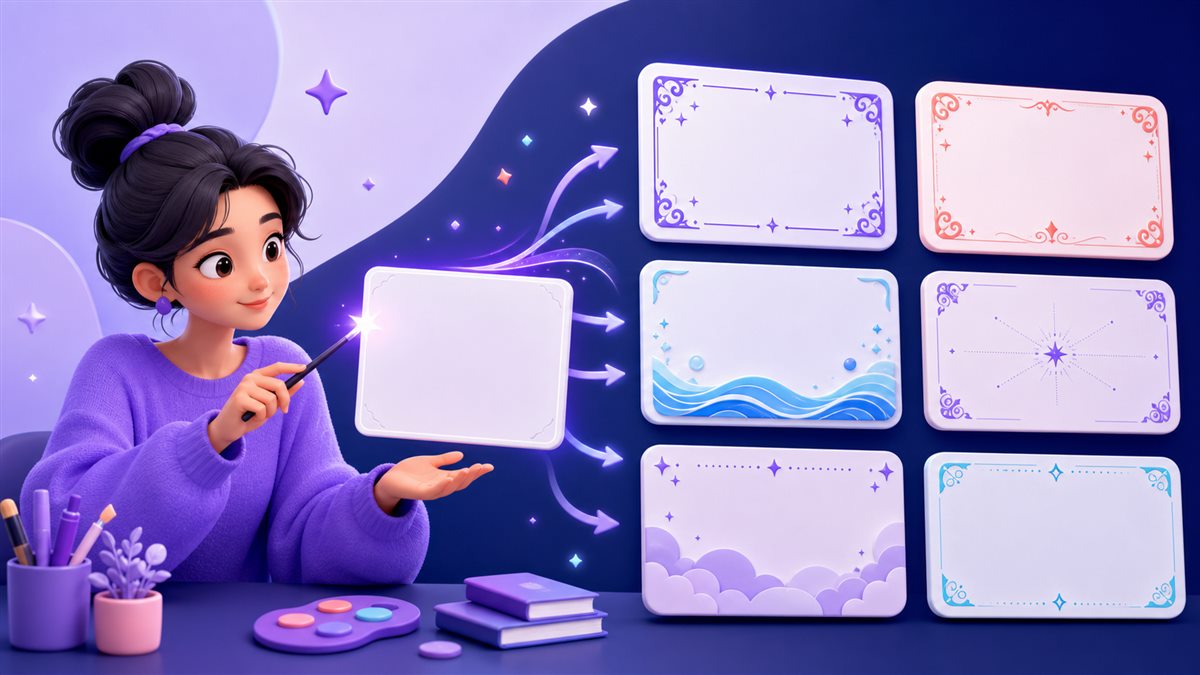
Decorate plain text with borders, dividers, symbols, and aesthetic copy-ready styles.
Try Now
Count characters, words, letters, and spaces for SEO snippets, captions, and writing limits.
Try Now
Create social captions, emojis, and hashtag ideas for Instagram, TikTok, LinkedIn, and X.
Try NowOpen the zFont3 font generator, enter your text, and preview multiple Unicode styles instantly. Choose the version that fits your bio, username, caption, message, or post, then copy it with one click. zFont3 changes the appearance of copyable text; it does not install a typeface or replace your device's system font.
Nine focused tools bring stylish fonts, emojis, text faces, decorations, character counting, text art, and social caption ideas together in one mobile-friendly website.
Try the font generatorFinding a style takes only a few steps, and your original text stays easy to edit until you are ready to copy it.
Type or paste a name, bio, caption, message, or short phrase.
Review the generated Unicode options and select the look you prefer.
Paste the result into a compatible social app, chat, profile, or website.
A clear look at what makes the online tools useful for creating copy-ready content.
Open the localized version of zFont3 that is most comfortable for you. Tool links and page routes keep the selected language as you browse.
Recent guides from zfont3 about stylish fonts, social bios, emojis, captions, and practical text formatting.
No articles have been published yet.