
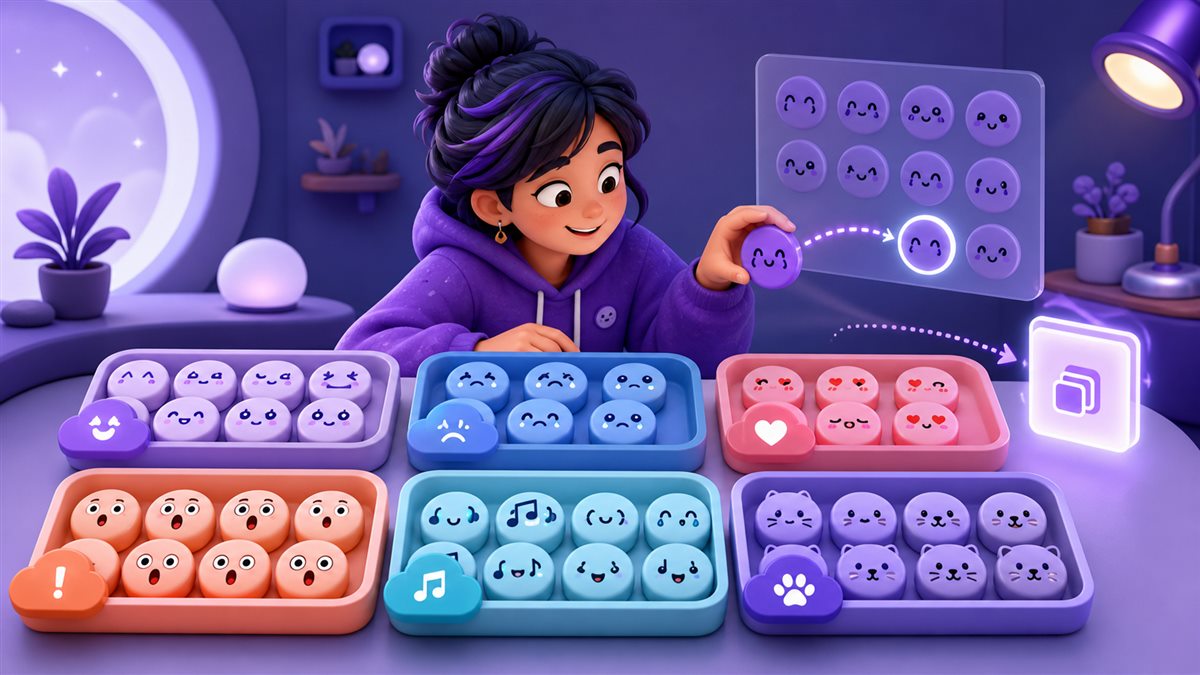
Text Emoji Copy and Paste: Find the Right Emoticon for Any Message
Text emoji can make a short message feel friendly, playful, dramatic, or unmistakably sarcastic without using an image. The collection above brings together 1,868 copy-ready expressions across 69 categories, from simple smiles such as (•‿•) to hugs, shrugs, animals, table flips, dancing figures, sleepy faces, and detailed Unicode art. Every entry is plain text: choose a category, select an expression, and paste it into the app or document where you want it to appear.
What Is a Text Emoji?
A text emoji is an expression assembled from keyboard marks, Unicode symbols, letters, and spacing. Some are compact, like ಥ‿ಥ or ಠ_ಠ. Others use arms, props, music notes, hearts, or decorative characters to create a miniature scene. Because the result is text rather than a picture file, it can be copied, edited, searched, and combined with ordinary words.
Text emoticon, kaomoji, or Lenny face?
These labels overlap, but they are useful for describing different styles. Classic emoticons often use a few keyboard characters. Kaomoji are usually read upright and may use richer Unicode details. Lenny faces are a recognizable family built around expressive eyes and mouths. This page groups all of these copyable text reactions in one searchable library.
How are they different from graphical emoji?
A graphical emoji is generally a single encoded pictograph whose artwork changes by platform. A text face is a sequence of characters arranged by the creator. You can remove an arm, add a heart, place words beside it, or choose a shorter variation when a profile field has limited space.
Text Emoji Categories for Moods, Reactions, and Actions
The tabs above preserve the specific groups in the collection, including happy, flirty, kiss, Christmas, running, sunglasses, dancing, shrug, animals, crying, eating, surprised, nervous, thinking, and many more. Start with the meaning you want to communicate, then compare the expressions inside that category.
Happy and Laughing
Use open smiles and cheerful faces for greetings, good news, thanks, friendly replies, and light conversation.
Love, Flirty, and Kiss
Choose hearts, blushes, hugs, and kiss faces for affection, compliments, close friends, and romantic messages.
Sad, Crying, and Depressed
Use tearful or lowered expressions for sympathy, disappointment, missing someone, or intentionally dramatic reactions.
Angry and Disapproval
Frowns, middle-finger designs, and table flips can express mock outrage, frustration, disbelief, or gaming banter.
Animals and Cute Faces
Dog, cat, bear, spider, and cute-character sections offer playful options for pet posts, nicknames, and cozy chats.
Actions, Objects, and Scenes
Find dancing, running, sleeping, eating, sunglasses, celebration, weapon, and other text scenes for specific moments.
How to Copy and Paste a Text Emoji
No special keyboard or download is required. The tool copies the complete sequence, including internal spaces that help arms, eyes, and props stay aligned. That matters for wider designs such as hugs and table flips.
Select a category
Choose the tab that matches your intended tone, character, action, or object. This immediately narrows the visible list.
Search inside the group
Enter a character or part of an expression in the search field when you want to reduce the current category further.
Press Copy
Use the Copy button beside the exact design you want. The complete text sequence is sent to your clipboard.
Paste and preview
Paste into the destination field, check its spacing, and choose a simpler version if the app wraps or removes characters.
Where Can You Use Text Emojis?
Text emoticons are useful wherever a field accepts the characters they contain. A small face can clarify tone in a short reply, while a wider design can become the visual focus of a post. The destination still controls character limits, line wrapping, moderation rules, and which Unicode symbols are accepted.
Messages and group chats
Place a smile, shrug, wink, or crying face after a sentence to show whether it is sincere, playful, awkward, or deliberately dramatic.
Instagram, TikTok, and profiles
Use a compact expression in a caption, comment, or bio. Preview the complete profile before saving because decorative text may count as many characters.
Discord, forums, and gaming
React to a win, loss, surprising reveal, or friendly disagreement with text that remains easy to quote and copy in community conversations.
Notes and creative layouts
Add a small text face to personal notes, invitations, status messages, headings, or informal documents when the style suits the audience.
How to Keep Text Emoticons Readable After Pasting
The copied characters remain text, but their appearance depends on the font and spacing rules used by the receiving app. A design that is balanced in one browser may appear wider, tighter, or split across two lines elsewhere. A quick preview prevents most formatting surprises.
Frequently Asked Questions About Text Emojis
What is the difference between an emoticon and an emoji?
An emoticon is arranged from text characters, while an emoji is typically one encoded pictograph. Text emoticons can be edited character by character after you paste them.
How do I copy a text emoji from this page?
Select a category, find the expression you want, and press its Copy button. Then use the normal paste command in your destination app.
Are these text emojis free to use?
Yes. The collection can be browsed, searched, copied, and pasted without an account, subscription, or daily copy limit.
Can I use text emoticons on a phone?
Yes in modern mobile browsers. Tap Copy, open the target field, then press and hold to use your phone's paste command.
Why did the face change after I pasted it?
The receiving app may use a different font, character width, or line height. The text can remain identical even when its spacing looks different.
Can text emoji be used in usernames and bios?
Sometimes. Each service sets its own length and character rules. Paste the complete result into the profile editor and preview it before saving.
What should I do if a character appears as a box?
Choose a simpler emoticon that uses more common characters. A box generally indicates missing font support on the device or app displaying the text.
Which category should I choose first?
Begin with the message's intent: happy for friendly replies, love or kiss for affection, sad for sympathy, angry for frustration, shrug for uncertainty, and surprised for unexpected news.